
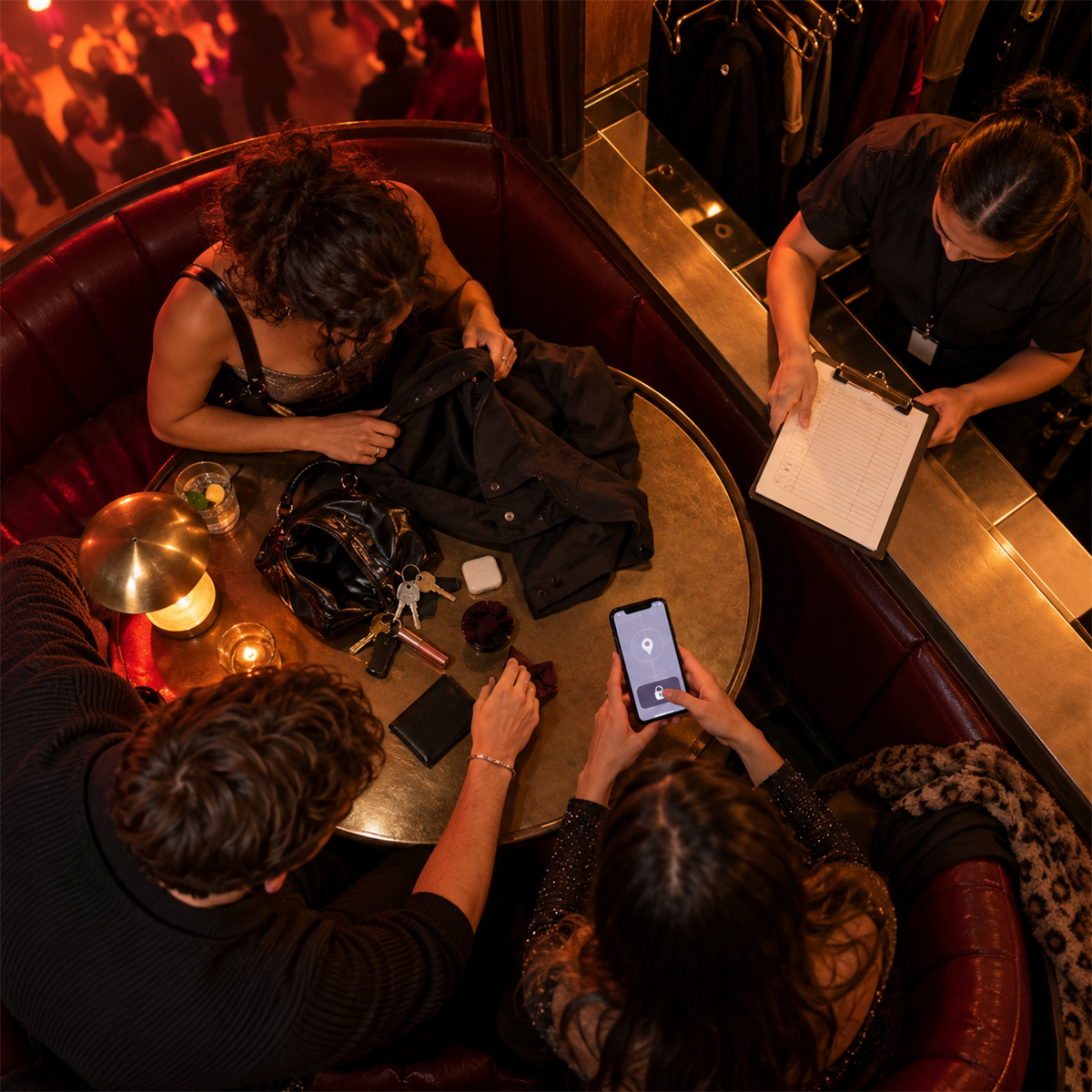
The pocket check comes up empty. The table has been cleared. The music is still moving, but your night has just split into two urgent questions: where is the phone, and what can someone reach through it?
Start with the phone. Then protect the life attached to it.
A missing device can still be under a seat, at coat check or in a rideshare. It can also hold an unlocked route to email, banking, social accounts, stored messages and the phone number used for account recovery. The useful response is quick, calm and shared with somebody you trust.
Stop and build a safe search
Tell your crew immediately. Borrow one person’s phone and keep another person with you. Ask venue staff whether a device has been turned in and retrace only the places you can check safely: your table, the washroom queue, coat check and the route to the door.
Call the phone once if that will not expose sensitive lock-screen information. Use the device-finding service you set up before the night. Apple’s Find My and Google’s Find Hub can show a current or last known location, play a sound and mark a device as lost. Location is an estimate, especially indoors, so treat the map as a clue rather than proof that a particular person has the phone.
If the dot is moving, appears at an address you do not recognize or suggests theft, do not follow it alone and do not confront anyone. Apple explicitly advises against trying to recover a stolen device yourself from an unfamiliar location. Save the location and time for a police report instead.
Lock first, erase later
Put the device into Lost Mode or mark it as lost as quickly as possible. That locks it with the existing passcode and lets the owner control what appears on the lock screen.
There is an important difference between lost and stolen. A return message with a safe callback number can help an honest finder. Apple advises against displaying contact information when a device was stolen because it can be used for social engineering. Use a friend’s number if you decide a return message is appropriate; do not expose more personal information than needed.
Remote erasure is a later decision. It can protect data when recovery looks unlikely, but it is permanent and may change what the locating service can still do. Google says an erased Android device is no longer available in Find Hub. Apple says newer devices may remain locatable after erasure, but warns not to remove a stolen device from Find My because doing so removes Activation Lock and makes resale easier.
Before erasing, read the current instructions for your device and confirm what location and recovery options you will lose.
Call the carrier and suspend the line
Contact your wireless provider immediately. Ask it to suspend the device or SIM so the number cannot keep receiving calls and texts as though it were still in your hands.
The Canadian Telecommunications Association says providers can add a lost or stolen phone to the national list of devices blocked from Canadian networks. The provider may ask for the device’s IMEI number. You may be able to find that number in the device-finding account, on the original packaging or in purchase records.
Suspending the line and blocking the hardware do different jobs. The line protects the phone number and SIM. The national blocklist targets the device’s ability to connect to Canadian networks. Ask the provider what it has done and what steps will be needed to restore service if the phone returns.
Protect the accounts that can unlock other accounts
Start with the email account tied to the phone, then financial accounts, the Apple or Google account, password manager, social accounts and any service that can send a recovery code by text.
Change passwords from a trusted device. Review signed-in sessions, recovery email addresses, trusted phone numbers and recent security changes. Remove sessions you do not recognize. Contact your financial institution promptly if the missing number is used for banking authentication or if the phone held payment cards.
Warn close contacts that the phone is missing. A thief may use messages, caller ID or copied personal details to ask for money, recovery codes or passwords. A message that sounds like you is not proof that it came from you.
Do not hand a one-time code to somebody claiming they found the phone. Do not click a text or email saying the device was located unless you independently open the official finding service. A convincing recovery message can be the next stage of the theft.
Preserve the record
If the device was stolen, report it to police. Record the approximate time and place it disappeared, the device description, IMEI or serial number, last known location, carrier report number and any suspicious messages that arrive afterward.
Tell the venue what happened without asking staff to identify or confront a suspect. Their lost-property process or preserved incident details may help, and they can tell you how to follow up after the night.
Keep screenshots and confirmation emails from the device-finding service, carrier and account-security pages. Do not post a live tracking map publicly. It may reveal your location, another person’s address or the route you plan to take.
Make the next night easier before it starts
The best recovery work happens while the phone is still in your hand.
Use a strong passcode and biometric lock. Turn on Find My or Find Hub and confirm the device actually appears in your account. Store the IMEI or serial number somewhere you can reach without the phone. Keep account-recovery methods and two-step-verification backup codes off the device. Know how to contact the carrier from another phone.
The Canadian Centre for Cyber Security recommends a PIN or passphrase, encryption, software updates, unique passwords and multi-factor authentication. Google also recommends creating two-step-verification backup codes because a lost phone may be the device normally used to approve sign-in.
Then make one small crew plan: if a phone goes missing, nobody searches alone and one person lends the device used to lock it down.
The phone may come back from under a booth. It may turn up at the bar tomorrow. It may be gone. The response stays the same: search safely, lock quickly, protect the number and the accounts, preserve the record—and do not let the missing device pull you into another risk.
Keep exploring
- Last track, safe ride home
- Before you buy the ticket
- When a drink does not feel right
- DanceRadio Features
- Listen live
Sources
- Canadian Centre for Cyber Security: Using your mobile device securely
- Canadian Telecommunications Association: Lost or stolen devices
- Google Android Help: Find, secure or erase a lost Android device
- Google Android Help: Be ready to find a lost Android device
- Apple Support Canada: If your iPhone or iPad was stolen